
Initial Thoughts
I had a lot of thoughts about the monitor setup on the Desk PC. Finally, I decided to go for a 48″ Ultra Wide Monitor. I took my decision based on the following points:
- Immersion – The wide screen offers extreme immersion on according games (I love to play flight- and space sims as well as racing games)
- Weight – Having a single monitor lift with a single monitor saves some weight compared to a multi screen setup
- Esthetics – Hey it looks just darn cool!
The screen
I decided to go for the following screen:
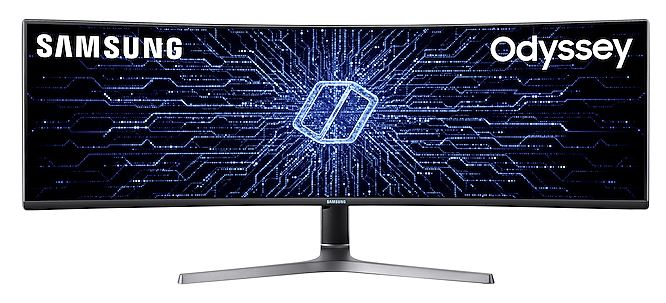
Here some details about the monitor:
- Dual QHD-Display 5120 x 1440
- Aspect Ratio: 32:9
- HDR
- AMD Radeon FreeSync™ 2
- Contrast Ratio Static: 3.000:1
- Refresh Rate: 120Hz
- Weight without stand: 11,6Kg
The Monitor Lift
There was quite some time invested into chasing the best possible monitor mounting. I finally found a Swedish Company called “Mulitbrackets”. They produce high quality desktop display mounts. Here’s what I finally ended up with:
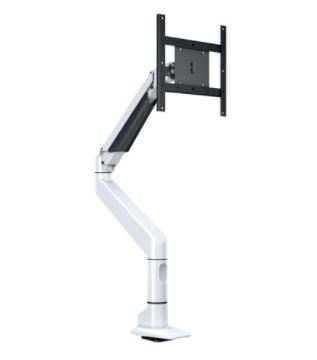
This desktop display mount is able to hold displays with a max Size of 49″ and a maximum weight of 18Kgs. So it is a perfect fit for the monitor which a chose. However, there was still one problem: How to mount this to the “thick” backside of my desk?
Mounting Concept
Standard Mounts are designed to be clamped or screwed on your desk. Unfortunately, the Desk-PC 2.0 is different. It doesn’t allow such a kind of mount because of the thick table top. I therefore designed an L-Bracket which is attached to the main frame construction. There are some benefits such as:
- The table top can still be lifted and all controllers for the RGB as well as the flow meters are accessible
- The L-Bracket can be shifted sideways along the frame which allows different monitor setups (i.e. single monitor vs. multi monitor lift)
Author

daniel.boller@email.ch
Related Posts
3D-Printing: Hook system for kitchenware
Had some aluminium profile left over from my Desk-PC project. So I once again went to the drawing board and quickly designed...
Read out all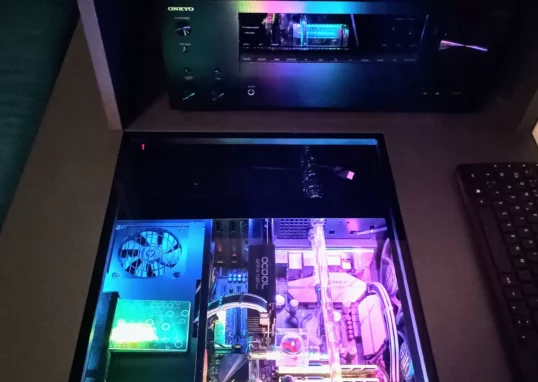
Cosmetical updates for my HTPC
I recently updated my HTPC. The following parts were changed:
Read out all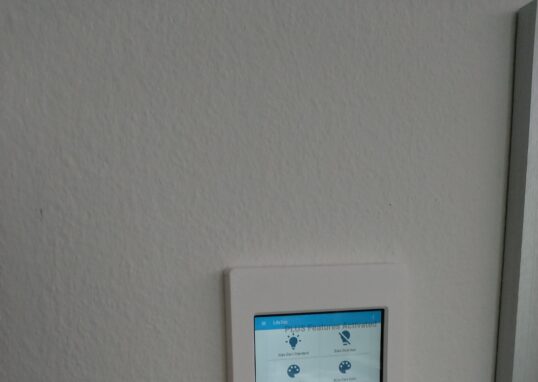
Smarthome Update: Finally a purpose for my old tablet
I had this old tablet from Aldi lying around. Initially used it was used as an ebook reader. However, I always wanted...
Read out all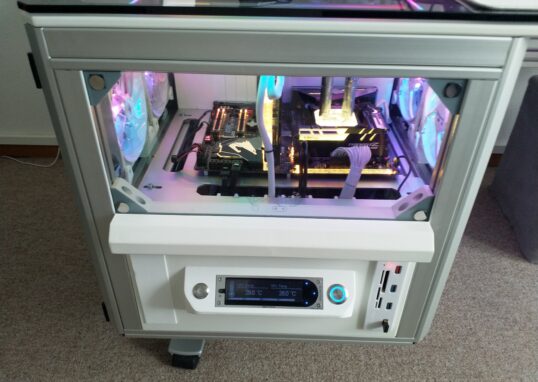
Desk-PC 2.0 Update: Front cover finally painted
I finally managed to spray paint the cover of the left drawer. Used some aluminum primer first, then three layers of white...
Read out all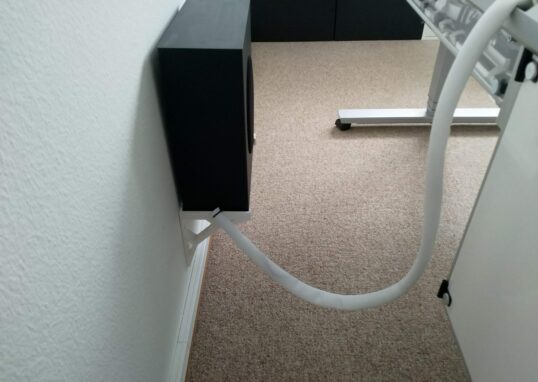
Desk-PC 2.0 Update: External cable management completed
I finally found a nice looking cable tube which fits perfectly into my setup.
Read out all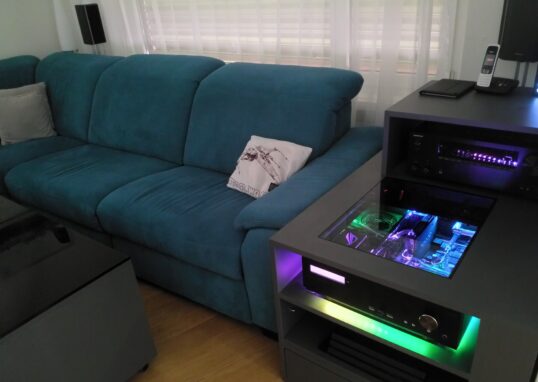
The Makeover: HTPC in the spotlight
It has been a while since I last modified my HTPC in the living room. I finally had some time and a...
Read out all