
- 1
- 151 words
How many cables you need to wire up a desk PC with fans, RGB lighting and, power and all the other cables? The answer is: A lot!
After some first test wiring I realized quickly that I will need a proper concept in order to figure out a proper and clean cable management. So I went back to the drawing board and started to put all the wires and lines into a drawing:
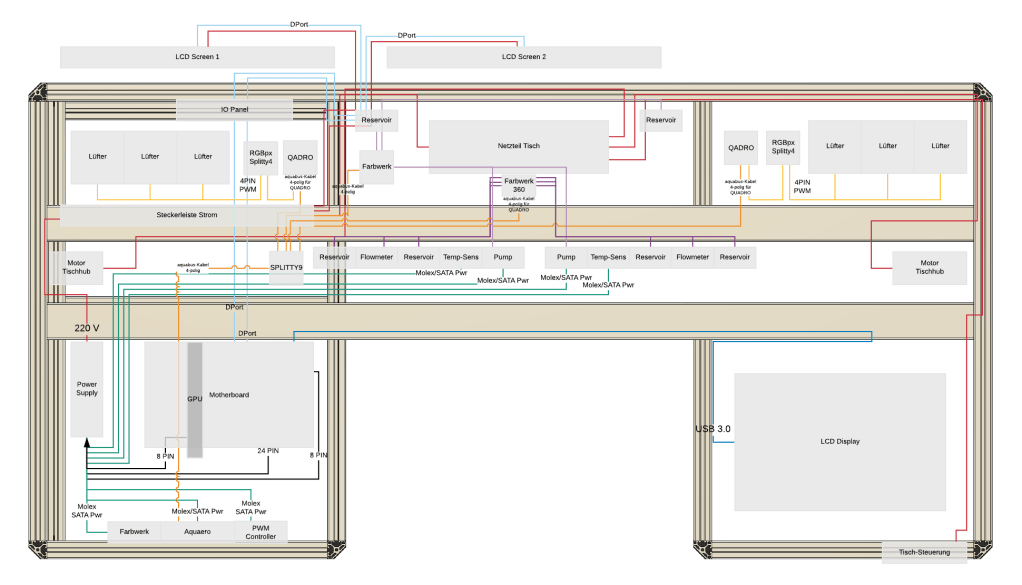
In addition I had to figure out a way to keep cables routed within the desk. After various design iterations I had the following item designed. The cool thing about it: It doesn’t require any tools to install. You simply shift it into the t-profile and that’s it. Thanks to 3d printing I can set it to any size so that I am flexible where and how to route cables

1 comment
Leave a Reply
Author

daniel.boller@email.ch
Related Posts
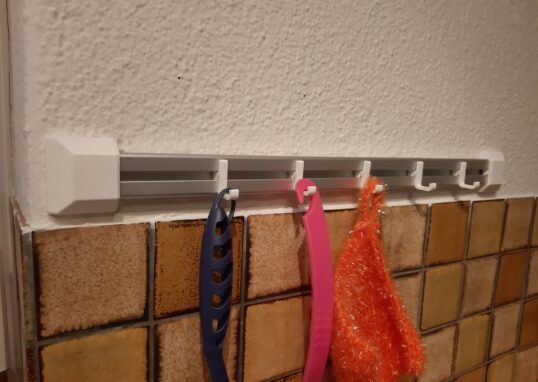
3D-Printing: Hook system for kitchenware
- 0
- 47 words
Had some aluminium profile left over from my Desk-PC project. So I once again went to the drawing board and quickly designed...
Read out all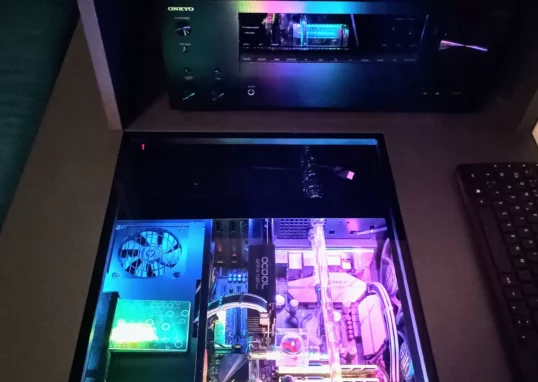
Cosmetical updates for my HTPC
- 0
- 55 words
I recently updated my HTPC. The following parts were changed:
Read out all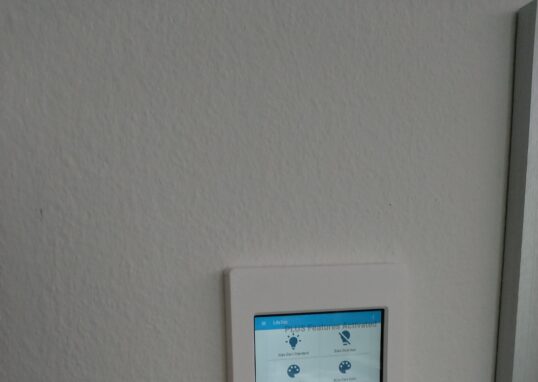
Smarthome Update: Finally a purpose for my old tablet
- 0
- 146 words
I had this old tablet from Aldi lying around. Initially used it was used as an ebook reader. However, I always wanted...
Read out all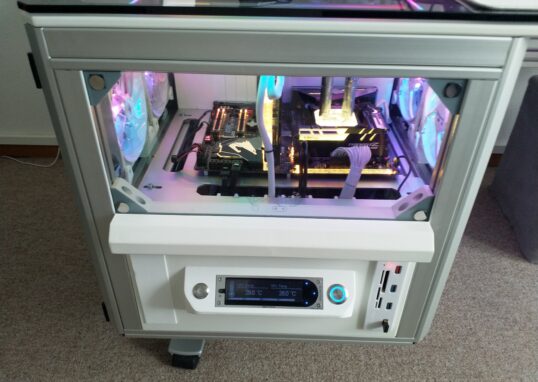
Desk-PC 2.0 Update: Front cover finally painted
- 0
- 92 words
I finally managed to spray paint the cover of the left drawer. Used some aluminum primer first, then three layers of white...
Read out all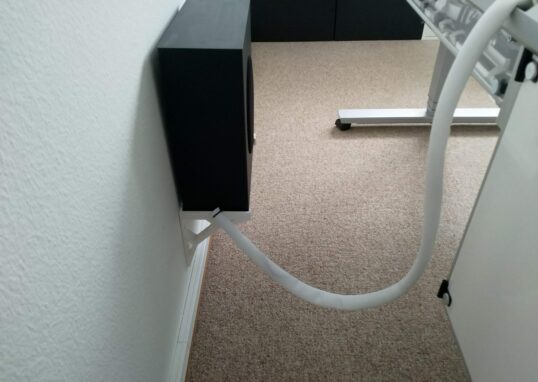
Desk-PC 2.0 Update: External cable management completed
- 0
- 31 words
I finally found a nice looking cable tube which fits perfectly into my setup.
Read out all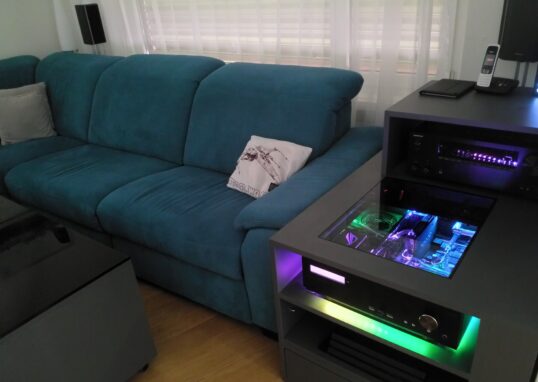
The Makeover: HTPC in the spotlight
- 0
- 87 words
It has been a while since I last modified my HTPC in the living room. I finally had some time and a...
Read out all
I love your creative approach to cable management!